 MYLyFE°
The easiest way to start a mini room is to choose a feeling, not a shopping list. Think of a quiet Sunday morning, a late-night game session or a window overlooking the sea. One clear idea makes the next decision easier.
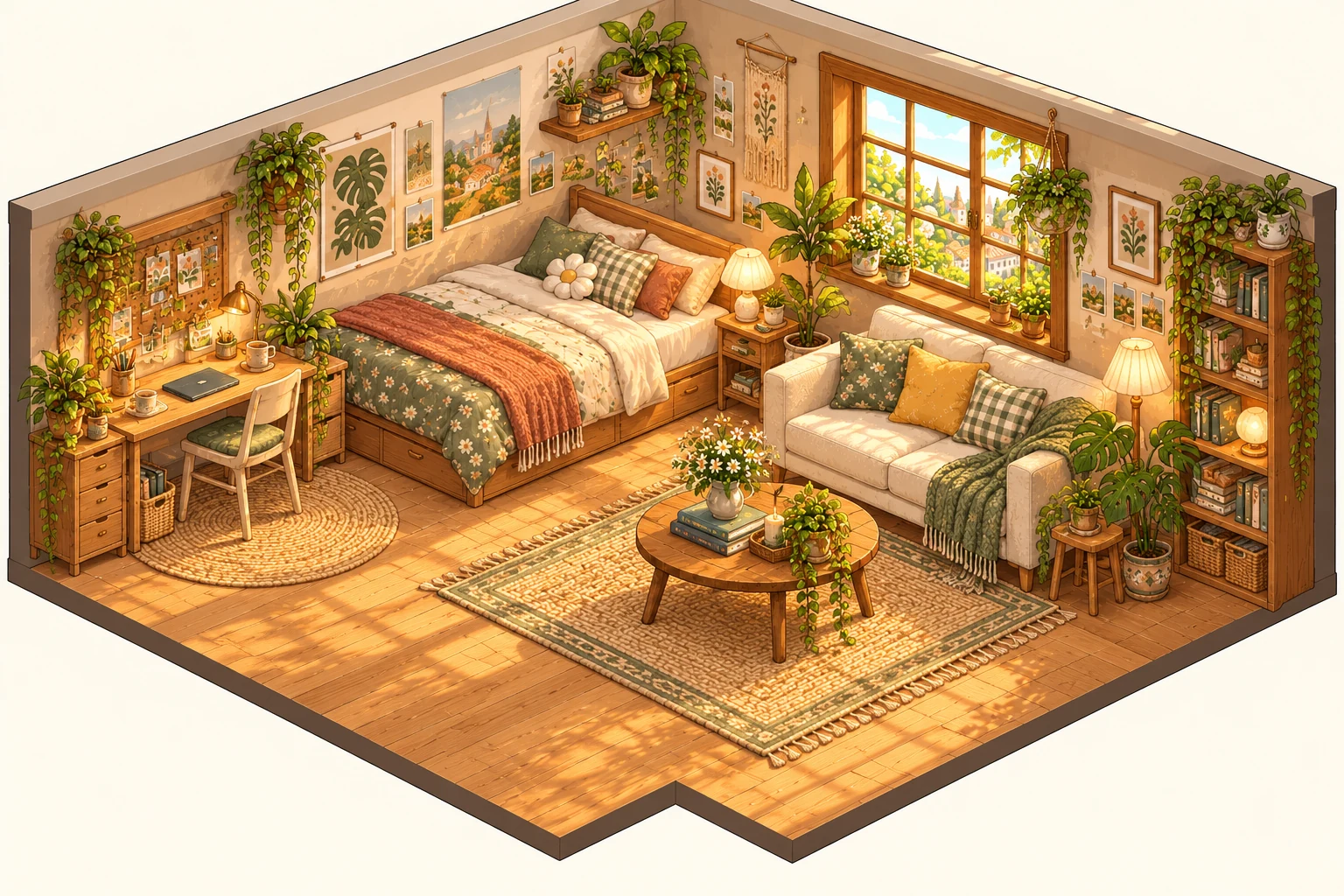
Choose one focal point
A focal point is the first thing you want a visitor to notice. It could be a generous window, a reading corner or a bed with a distinctive shape. When every object competes for attention, the room can feel busy even if it contains only a few pieces. Pick the most important feature and let the rest support it.
For example, a reading room might begin with a comfortable chair and a lamp. A few books then explain the space. Adding a piano, a fountain and a large ornament at the same time may make the theme harder to read. Those pieces can belong to another room or another version of this one.
Use a small colour family
Try one main colour, a neutral and one accent. Sage, cream and a little warm brass can feel calm; charcoal, walnut and a small blue accent can feel more like an evening retreat. Repeat a colour in two or three places so the room feels connected. You do not need matching sets everywhere.
Different materials also change the mood. A pale floor can make a compact room feel open. Dark timber can make a light sofa stand out. A patterned rug is useful when the surrounding surfaces are quiet, while a simpler rug can give detailed furniture a little breathing room.
Leave a path through the room
Empty floor is part of the design. It gives the avatar space to move and helps a visitor understand where the bed, seating and smaller objects belong. Place a few pieces first, look at the room as a whole, and then add detail. Removing something is often as useful as buying something.
Understand the two editing styles
MYLyFE designer rooms are complete illustrations. Their architecture, main furniture and scenic windows are already composed together. Compatible small accessories can be added at fixed positions, which helps them sit naturally in the picture. A designer room’s painted furniture cannot be pulled out of the illustration.
The Custom editor uses separate movable furniture. Choose it when you want to arrange pieces yourself or change purchased wallpaper, flooring and window views. Room packages may include a separate Custom editor collection as well as the complete illustration; the package preview lists what you receive.
Preview before you spend
Look at the room image, its included collection and the displayed acorn price before confirming a package. New room designs have their own package prices even when you already own similar furniture. A package you already own can be applied again without buying it again. In this beta, acorns have no cash value and cash payments are switched off.
Once the main idea works, add a small personal detail: books beside the chair, a mug on a table or a plant near the light. A room does not need to be finished in one visit. Let it change as your interests change.